Switching from WP Engine to Kinsta: How Better Hosting Can Improve WordPress Performance
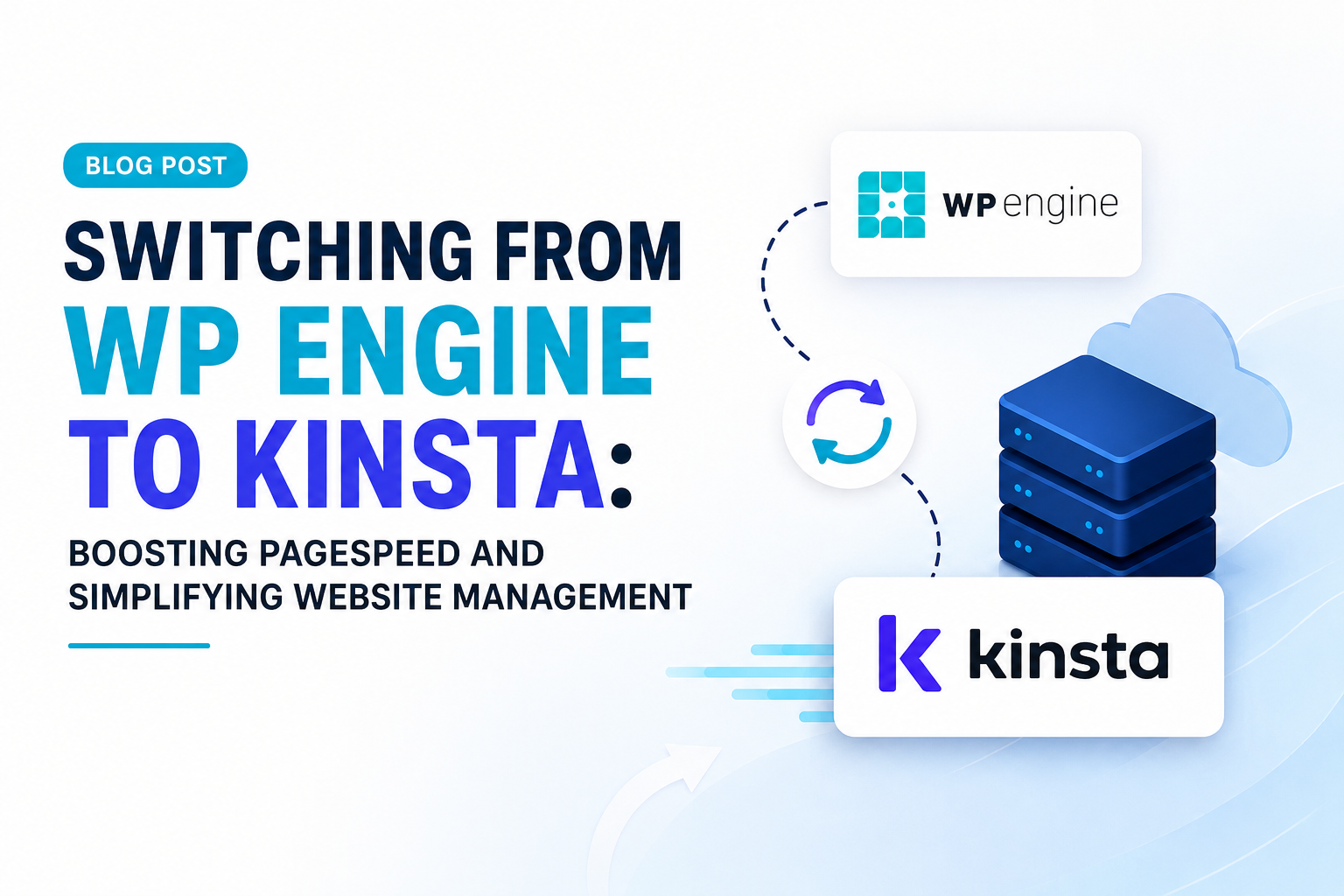
A fast, reliable website is essential for businesses that depend on their online presence. While WordPress gives businesses flexibility and control, website performance can be heavily influenced by the hosting environment, caching configuration, plugins, and overall site architecture.
For businesses experiencing slow load times, inconsistent performance, or complicated website management, moving from one managed WordPress host to another can be a practical way to improve the foundation of the website.
At Markdigiz, we help businesses evaluate their WordPress infrastructure, improve website performance, and create a more streamlined digital environment. One example of this type of optimization is migrating a WordPress website from WP Engine to Kinsta while maintaining the existing design, functionality, and SEO structure.
The Challenge: A Slow Website and Complicated Management
The website was hosted on WP Engine and was already serving as an important part of the business’s digital presence. However, the business wanted to improve performance while simplifying the management of its hosting, WordPress maintenance, and technical requirements.
The goal wasn’t simply to move the website to another server.
The migration needed to:
- Preserve the existing website design
- Keep all WordPress functionality working correctly
- Protect existing content and databases
- Avoid website downtime
- Maintain SEO settings and URLs
- Improve page loading performance
- Strengthen website security
- Simplify ongoing website management
A poorly planned migration can create broken links, database errors, missing files, plugin conflicts, indexing problems, or temporary downtime. That made careful planning and testing essential.
Why Consider Moving from WP Engine to Kinsta?
Both WP Engine and Kinsta are established managed WordPress hosting providers. However, hosting performance isn’t determined by the provider’s name alone.
Website speed depends on several factors, including:
- Server infrastructure
- Content delivery network configuration
- Caching
- Image optimization
- Database performance
- WordPress plugins
- Theme and page-builder architecture
- Third-party scripts
- Website code
- Mobile optimization
Kinsta provides a managed WordPress hosting environment built around Google’s Cloud Platform infrastructure, making it an attractive option for businesses looking for scalable hosting and performance-focused infrastructure.
However, simply changing hosts doesn’t automatically make a website fast.
The migration must be combined with proper caching, configuration, optimization, and technical cleanup.
The Solution: A Carefully Managed WordPress Migration
The first step was to create a complete backup of the existing WordPress website, including its files and database.
The migration process involved several stages:
1. Website Backup
Before making any changes, the complete WordPress installation was backed up. This included:
- WordPress core files
- Themes
- Plugins
- Media uploads
- Database
- Configuration files
- Existing website settings
This provided a recovery point if anything went wrong during the migration.
2. Moving the Website to Kinsta
The website files and database were transferred to the new Kinsta environment.
Rather than immediately switching the live domain, the migrated website was thoroughly tested in the new hosting environment first.
This approach helped identify potential compatibility issues before visitors were directed to the new server.
3. Testing WordPress Functionality
After migration, the website was checked across its major components.
Testing included:
- Contact forms
- Navigation
- Internal links
- Images
- Website pages
- Blog posts
- WordPress plugins
- Page-builder elements
- Search functionality
- Mobile responsiveness
- SSL configuration
The objective was simple: the website should look and work the same—or better—after migration.
Improving Performance with Caching
One of the biggest opportunities after migration was improving the website’s caching configuration.
A managed hosting environment can provide a strong foundation, but WordPress performance can still suffer when caching isn’t properly configured.
For this reason, performance optimization was combined with caching tools such as WP Rocket.
Proper caching can reduce the amount of work required from the server when users request frequently accessed pages.
Performance optimization can include:
- Page caching
- Browser caching
- CSS and JavaScript optimization
- Lazy loading
- Image optimization
- Cache preloading
- Database cleanup
- Reduction of unnecessary scripts
- CDN configuration
The exact optimization strategy should depend on the website’s architecture rather than applying the same settings to every WordPress website.
Security Improvements
Website performance is only one part of a successful migration.
Security was also addressed during the transition.
WordPress user accounts were reviewed and additional account protection, including two-factor authentication, was implemented where appropriate.
A secure WordPress environment should include multiple layers of protection, including:
- Strong administrator passwords
- Two-factor authentication
- Regular backups
- Updated plugins and themes
- Secure hosting
- SSL/HTTPS
- Malware monitoring
- Limited administrator access
- Regular security reviews
This helps reduce the risk of unauthorized access while keeping the website operational.
Protecting SEO During the Migration
Website migrations can create SEO problems if they’re handled incorrectly.
Changing hosting providers does not inherently require changing URLs. However, technical changes during migration can accidentally affect search visibility.
Before and after migration, important SEO elements should be checked, including:
- URL structure
- Meta titles
- Meta descriptions
- Canonical URLs
- XML sitemap
- Robots.txt
- Internal links
- Redirects
- Indexability
- Structured data
- Google Search Console
- Google Analytics
- Page status codes
The objective is to make the hosting transition as invisible as possible to both users and search engines.
Measuring the Performance Difference
After the migration and optimization work, Google PageSpeed Insights can be used to compare performance before and after the change.
For example, a website may show improvements such as:
Metric | Before Migration | After Migration | Change |
Desktop Performance | 80 | 92 | +12 |
Desktop SEO | 61 | 92 | +31 |
Desktop Accessibility | 89 | 91 | +2 |
Mobile Performance | 41 | 56 | +15 |
These numbers demonstrate an important point: hosting can make a meaningful difference, but hosting alone isn’t the entire performance equation.
Why Mobile Performance Can Be More Difficult
Desktop performance often improves faster than mobile performance because mobile devices have more limited processing power and network conditions can vary significantly.
Older WordPress websites can also contain legacy elements from themes, page builders, plugins, and custom code.
For example, a website built with an older page-builder architecture may require additional work to improve mobile performance.
In those cases, optimization may involve:
- Reducing page-builder elements
- Removing unnecessary plugins
- Optimizing images
- Reducing JavaScript execution
- Improving CSS delivery
- Reducing third-party scripts
- Rebuilding inefficient sections
- Simplifying page layouts
Sometimes, the most effective long-term solution isn’t another caching setting—it is rebuilding parts of the website with a cleaner architecture.
The Business Benefits of Better WordPress Hosting
Moving to a better-managed hosting environment isn’t just a technical decision.
It can also improve the day-to-day experience of managing a business website.
Faster Website Experience
Better infrastructure and caching can help pages load more quickly, creating a smoother experience for visitors.
Easier Website Management
Businesses can reduce the number of technical vendors involved in maintaining their WordPress website.
Better Reliability
A properly configured managed hosting environment can provide a more stable foundation for a growing website.
Stronger Technical SEO
Improved performance, crawlability, security, and technical configuration can contribute to a healthier website from an SEO perspective.
Better User Experience
Visitors are less likely to abandon a website when pages respond quickly and navigation feels smooth.
Is Kinsta Better Than WP Engine?
There isn’t a universal answer.
Both platforms are designed for managed WordPress hosting, and the right choice depends on the website’s requirements, budget, traffic, technical architecture, and support needs.
Instead of asking only “Which host is better?”, businesses should ask:
“Which hosting environment is the best fit for our website and growth goals?”
A migration can make sense when a business needs improved performance, different infrastructure, better management, or a more suitable support arrangement.
But if the website itself is poorly optimized, moving hosts may only solve part of the problem.
When Should You Consider a WordPress Hosting Migration?
A migration may be worth considering if your website experiences:
- Consistently slow page speeds
- Poor mobile performance
- Server response delays
- Frequent downtime
- Hosting-related technical limitations
- Complicated vendor management
- Increasing website traffic
- Plugin or server compatibility problems
- Poor caching performance
- Growing maintenance requirements
Before migrating, however, it is important to diagnose the actual cause of the performance problem.
Sometimes the issue is hosting.
Other times it is oversized images, inefficient plugins, page-builder bloat, third-party scripts, poor database configuration, or unoptimized code.
How Markdigiz Helps With WordPress Performance
At Markdigiz, we take a complete approach to WordPress performance rather than treating hosting as the only solution.
Our process can include:
Website Performance Audit
We identify the technical factors slowing down your website.
Hosting Evaluation
We review whether your current hosting environment is appropriate for your website’s traffic and requirements.
WordPress Migration
We can help plan and execute a carefully managed migration while protecting your website’s content and functionality.
Speed Optimization
We optimize caching, images, scripts, plugins, databases, and other performance factors.
Technical SEO
We help protect important SEO elements during migration and improve the technical foundation of your website.
Security Optimization
We review WordPress access, updates, SSL, backups, and other security considerations.
Ongoing Website Management
We can provide continued WordPress development, maintenance, SEO, and performance support.
Final Thoughts
Moving from WP Engine to Kinsta can be more than a simple hosting change. When planned and executed correctly, a migration can become an opportunity to improve website performance, strengthen security, simplify management, and create a better foundation for future growth.
However, the hosting platform is only one piece of the puzzle.
The best results come from combining quality infrastructure with proper caching, WordPress optimization, technical SEO, security, and ongoing maintenance.
If your WordPress website is slow, difficult to manage, or struggling to deliver a strong user experience, Markdigiz can help you identify what’s holding it back and build a faster, more reliable digital foundation.
Share this post :
-
Facebook
-
Twitter
-
Linkedin
Latest Post
-
 WP Engine to Kinsta Migration: Improve WordPress Speed26 Jul 2026
 -
 How to Make SEO and PPC Work Together for Maximum ROI20 Jul 2026
 -
 Mid-Year Google Ads Audit: What's Working, What's Not and Where to Focus Next in 202620 Jul 2026
 -
 AI Content in 2026: What the Research Says About Its Performance Across SEO & Paid Ads20 Jul 2026
 -
Hello world!20 Jun 2026